





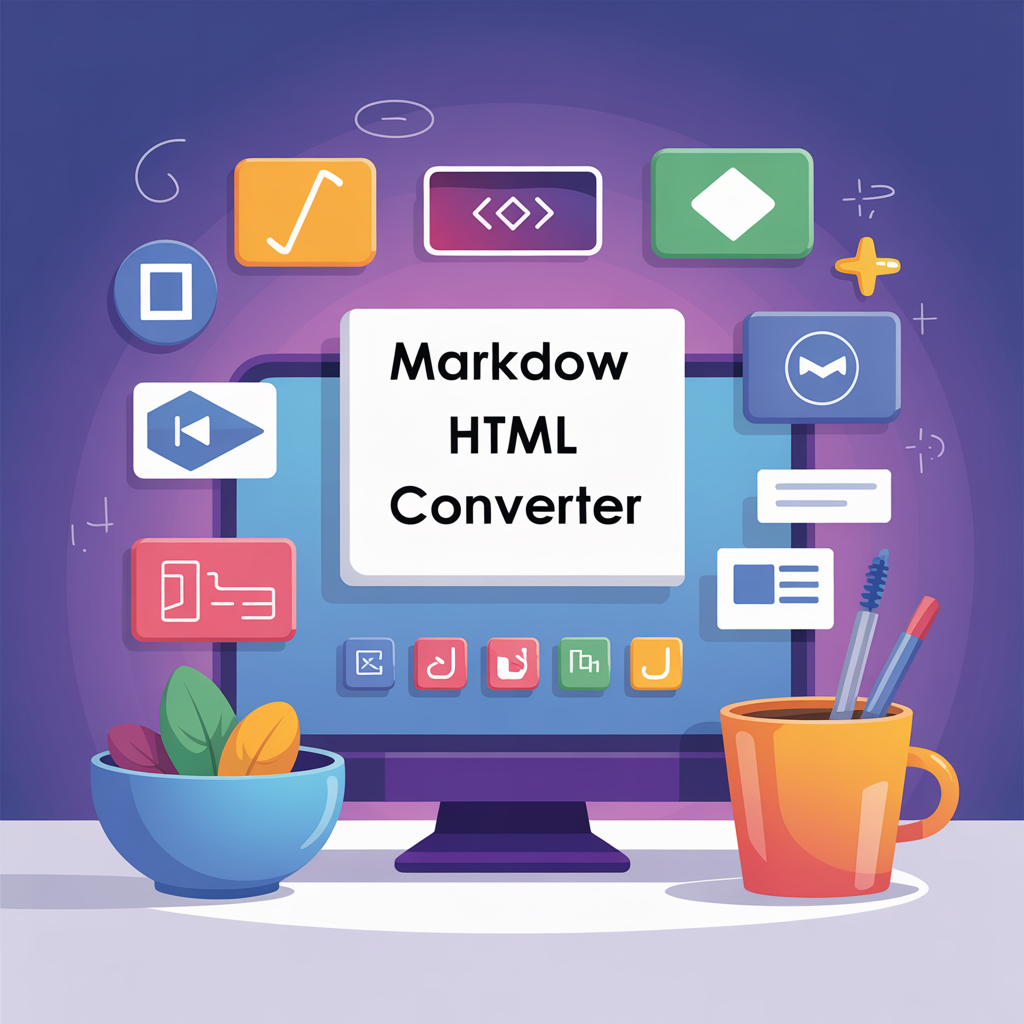
Transforming your text from Markdown to HTML has never been easier, thanks to powerful Markdown to HTML Converter utilizing advanced JavaScript and CSS capabilities. These tools simplify your content workflow, enabling you to seamlessly create and publish stunning web pages and effective educational materials. Understanding the intricacies of Markdown and HTML is crucial for anyone looking to enhance their online presence, especially when developing software projects or maintaining blog websites. In this article, we’ll explore the benefits of converting Markdown to HTML, guide you in choosing the right Markdown to HTML converter, and share best practices to streamline your content creation process.
What is Markdown?
Markdown, created by John Gruber in 2004, is designed for writers who need to produce structured documents without the complexity of HTML.
Its syntax is straightforward, enabling easy formatting of text. For example, to create a header, simply prefix your text with hash symbols (e.g., `# Header 1`).
Lists can be generated with dashes or asterisks like so: `- Item 1` or `* Item 2`.
Links are equally easy; use the format `[text](URL)`, which translates to ` text` in HTML.
Markdown is widely adopted in collaborative environments like GitHub
Frequently Asked Questions
What is a Markdown to HTML converter and how does it work?
A Markdown to HTML converter is a tool that transforms plain text written in Markdown syntax into structured HTML code. It works by parsing the Markdown input, interpreting its simple formatting rules (like `#` for headings or `*` for italics), and then generating the corresponding HTML tags (e.g., `
`, ``). This simplifies web content creation.
Why should I use a Markdown to HTML converter for content creation?
Using a Markdown to HTML converter streamlines content creation by allowing authors to write quickly in a human-readable, plain-text format without needing to know complex HTML. It improves productivity, ensures consistent formatting, and makes content portable. This allows creators to focus on writing while the tool handles the web-ready output.
What are some basic Markdown syntax examples for formatting text?
Basic Markdown syntax examples include using `# Heading 1` for `